Get started
Four steps. The first two are required; after them KillBeat reads your matches and the in-game binds work.
-
Sign in through Steam
The button at the top right of any page. KillBeat only gets your SteamID and name.

-
Link your match history
In profile settings, paste your game authentication code and any recent match code, then press Link.
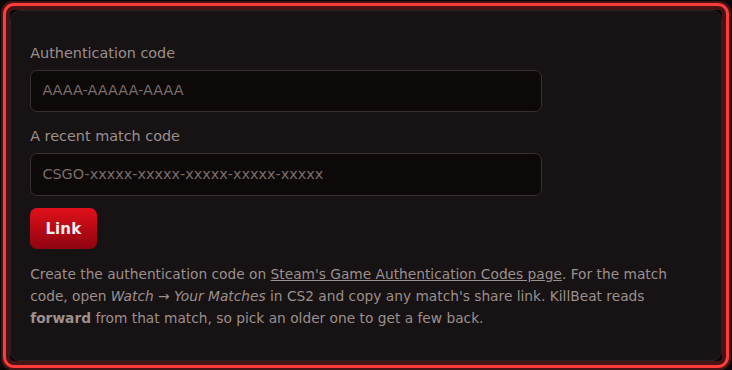
Create the code on Steam's Game Authentication Codes page. The match code is any share link from Watch → Your Matches in CS2.
-
Add the KillBeat bot on Steam (optional)
Same tab: press Add me on Steam and accept the friend request. It messages you a link when a clip is published, one message per match, and nothing else.

-
Have your matches read when you stop playing (optional)
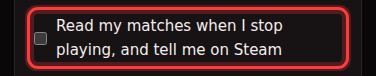
Tick Read my matches when I stop playing; it needs the bot. A few minutes after you leave a game, your history is read. Without it, press Look for new matches on your profile.
Then bind /auto, /nice, /knife, /duo or /quiet, or pick rounds yourself on Moments.